Lifetime
Best valuePay once, own it forever
$16.99 one-time
- Everything in Yearly
- Lifetime access — no recurring billing
- Early access to new features
- Support the development
GitNotēs is a Git-backed notes app for iOS and Android. Markdown, Neorg, and Org-mode notes, todos, and an infinite canvas — all stored as plain files in your own GitHub, GitLab, Gitea, or Forgejo repo. Nothing to export. Nothing to lose.
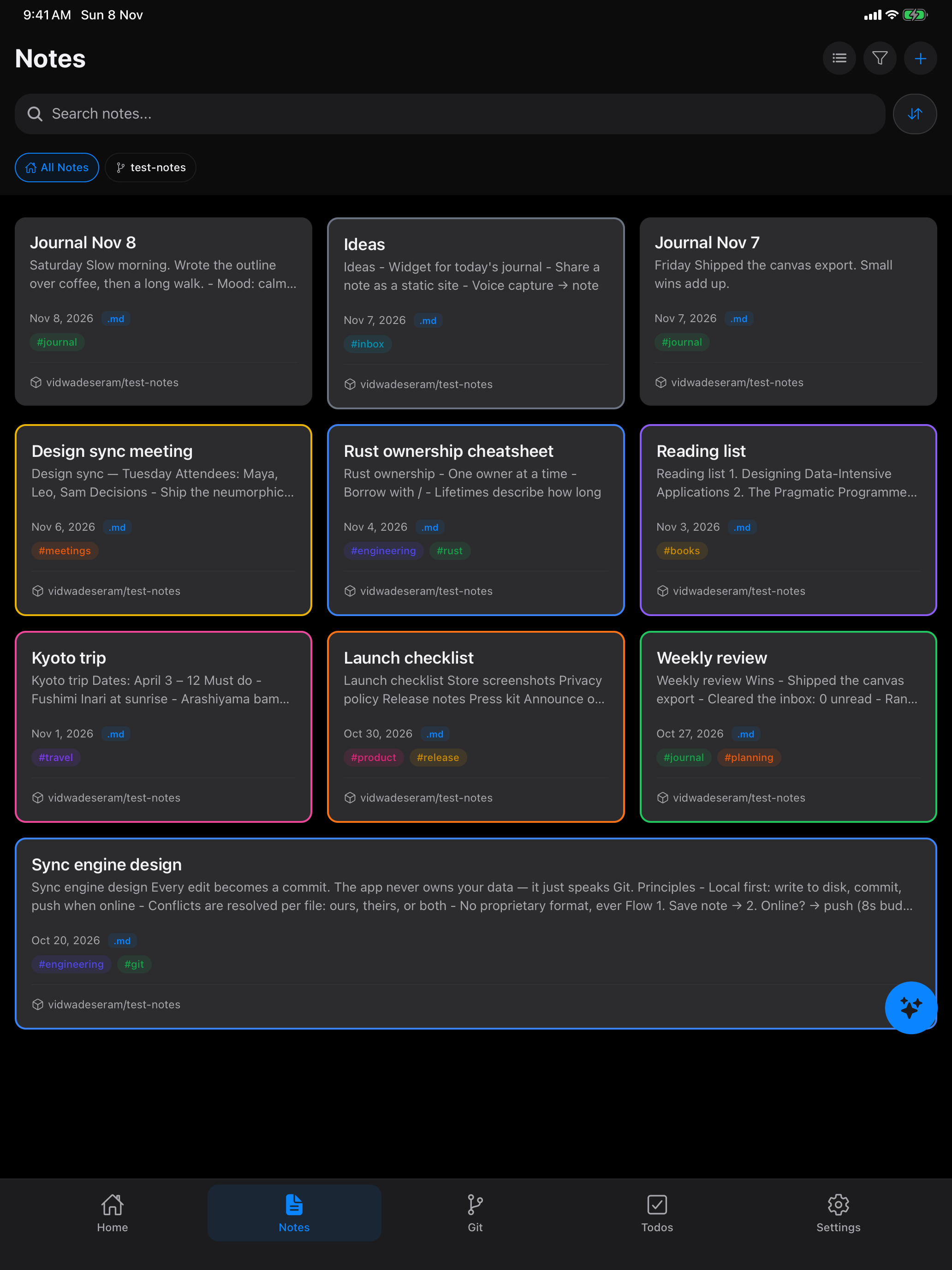
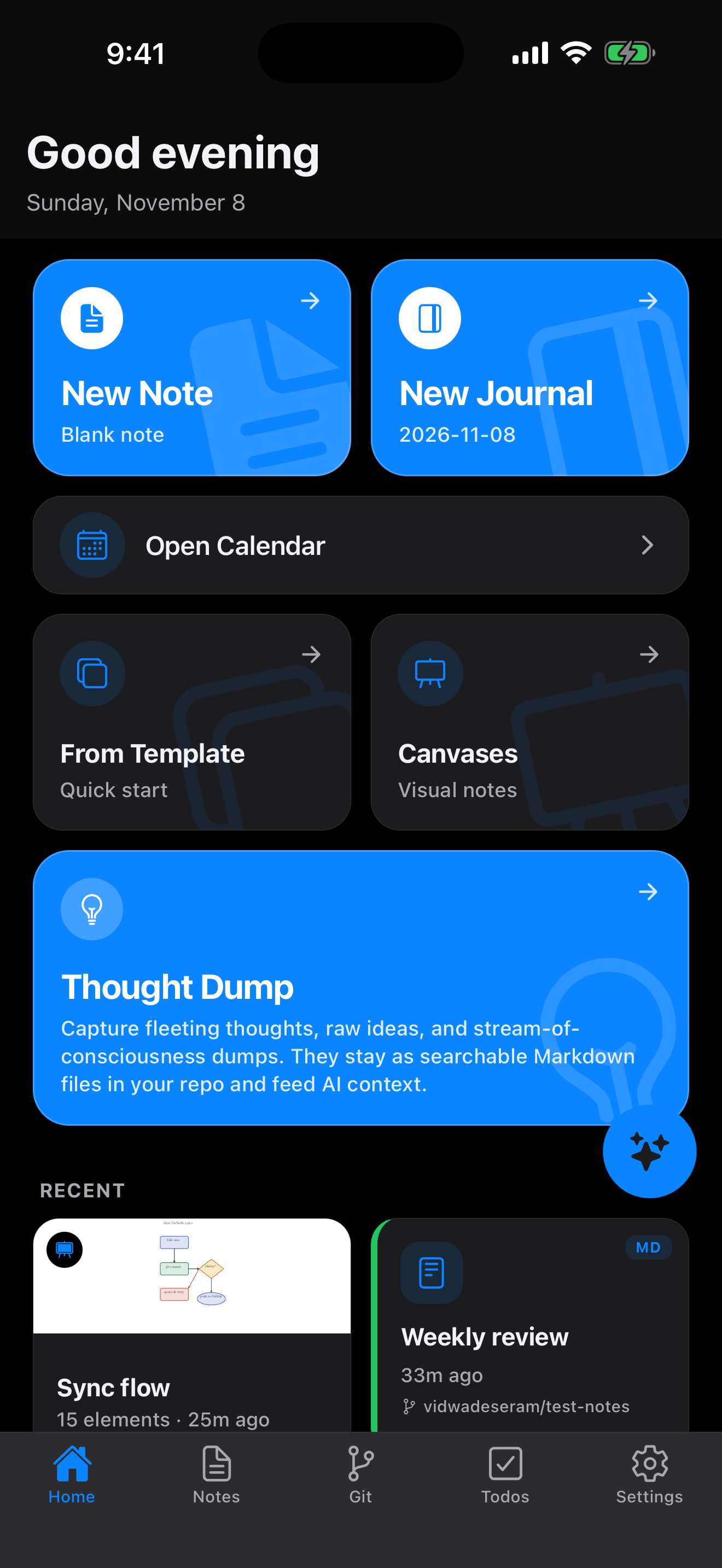
Scroll through the editor, todos, canvas and Git history.
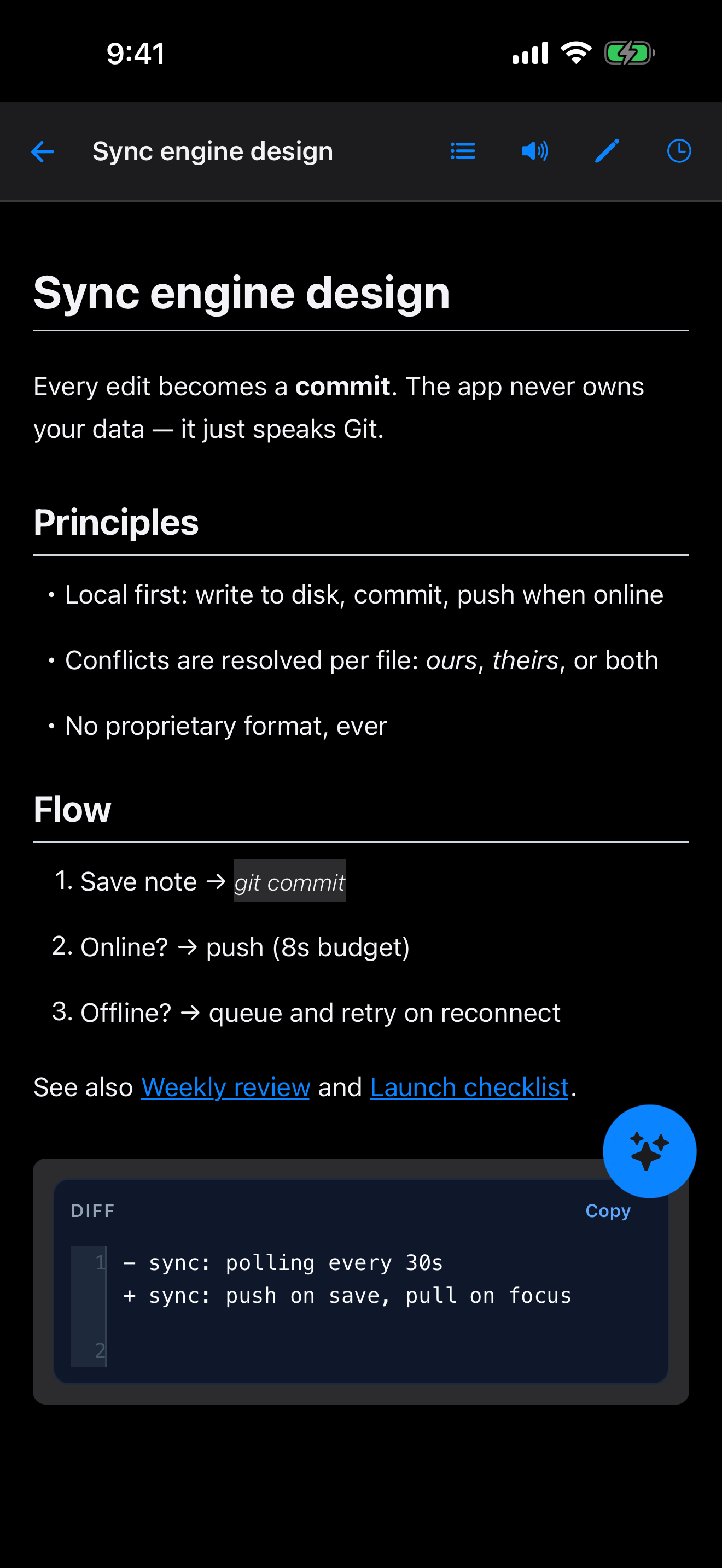
Markdown, Neorg, and Org-mode with live preview, syntax highlighting, and a rich toolbar.
.md · .norg · .org
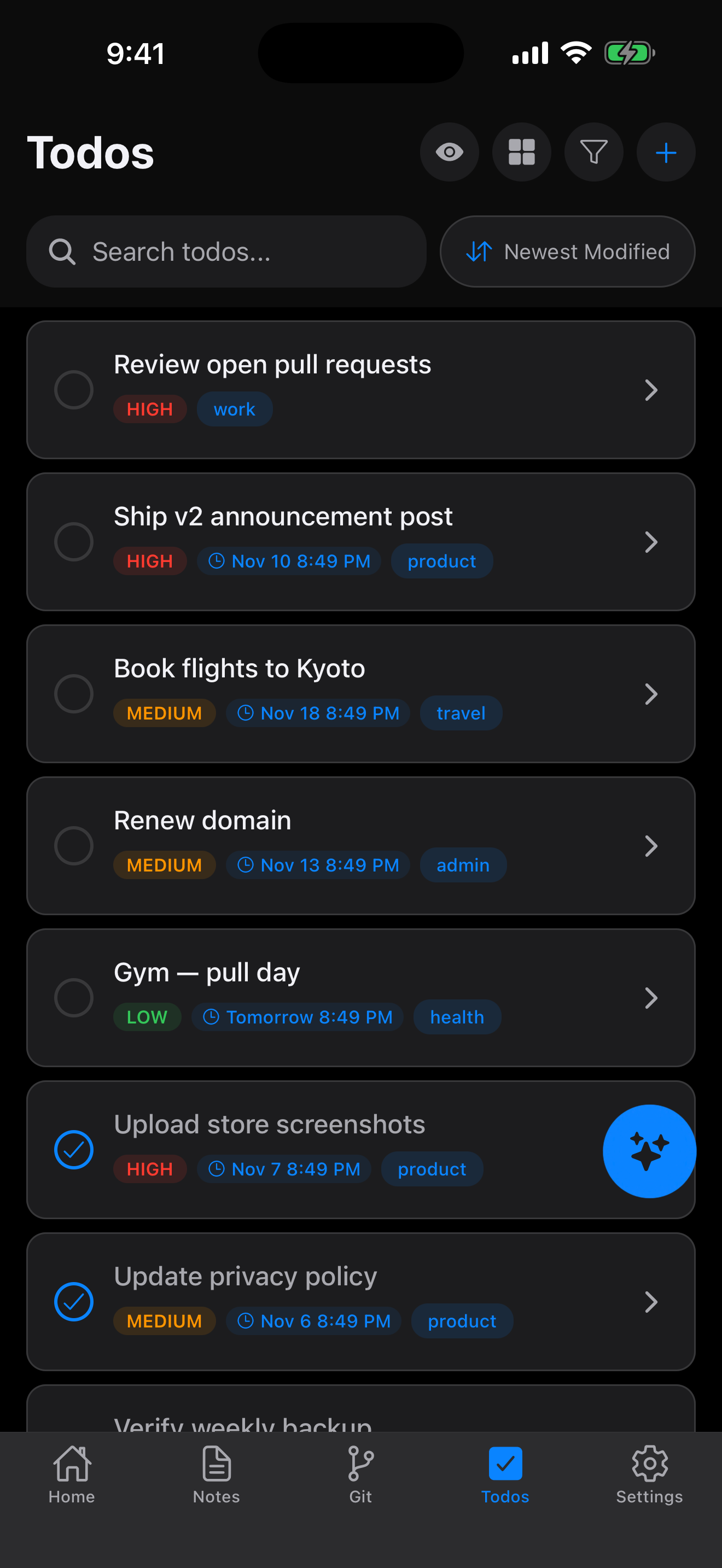
Checkboxes, due dates, and reminders, saved as plain checklist items next to your notes.
- [ ] / - [x]
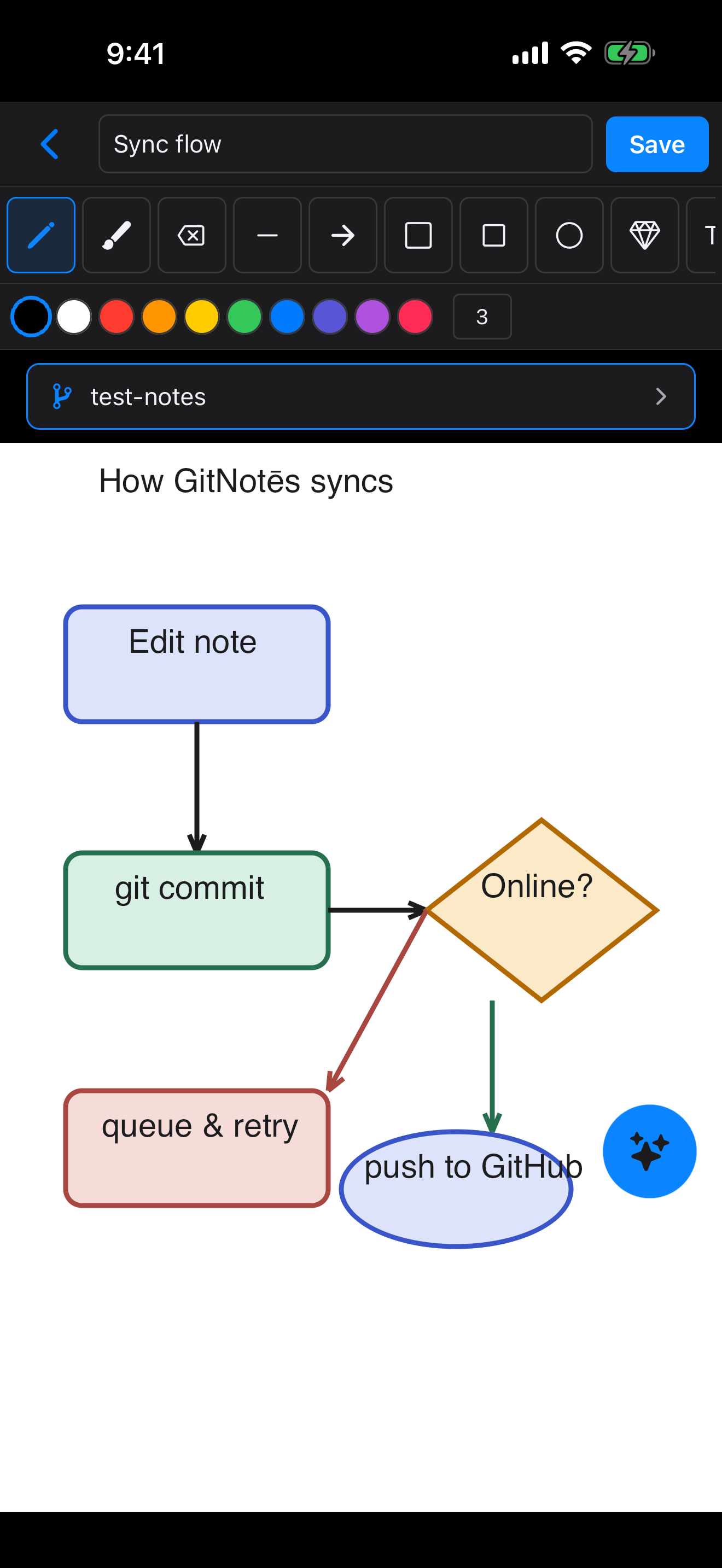
Freeform drawings with pinch-zoom and pan. Scenes are stored as JSON files in the repo.
.canvas.json
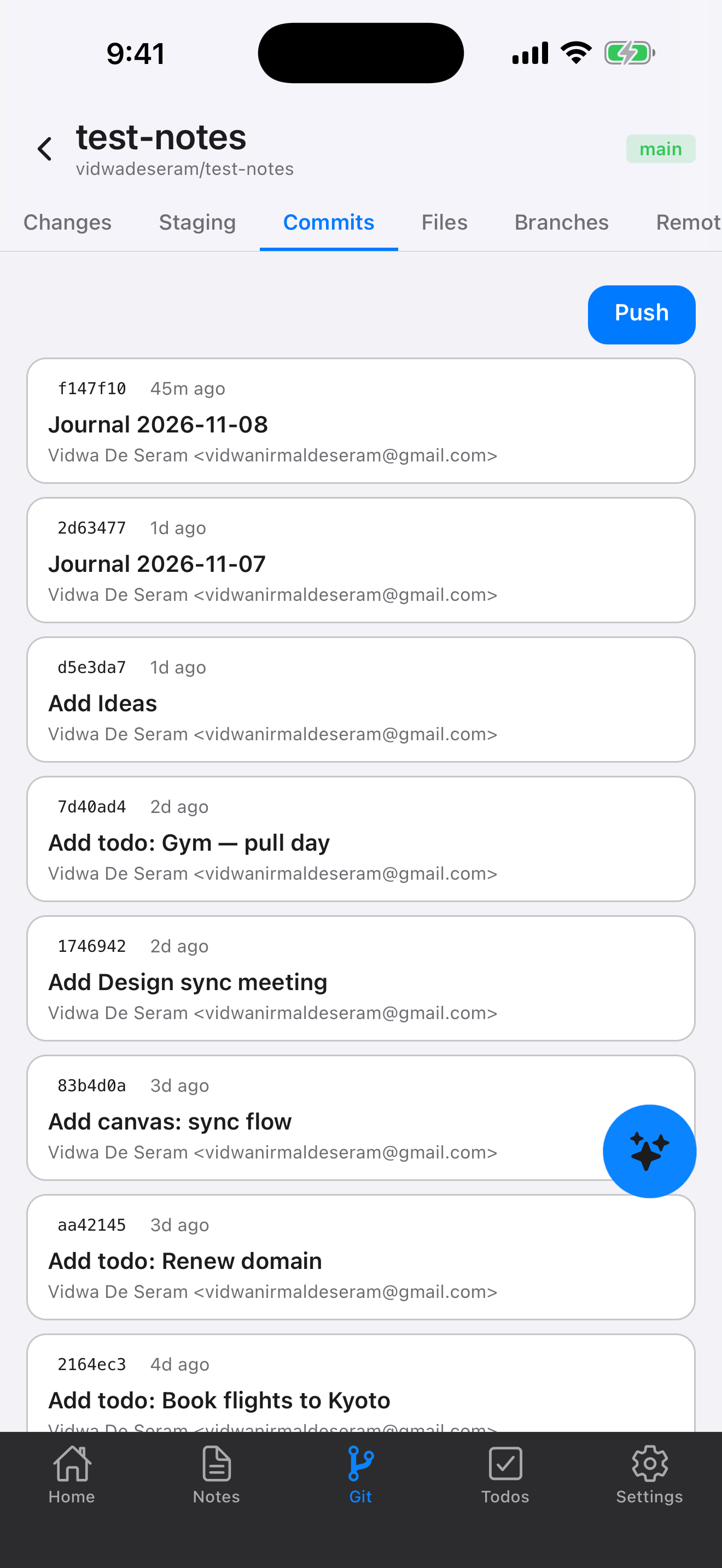
Pull, push, and merge from your phone. Works offline, and every change is a commit.
pull · push · merge
Type a note and it lands in your repo as a plain file with a real message.
Diff, blame, and revert with the tools you use for code.
Stop using GitNotēs tomorrow and your notes are still right there.
AI, offline editing, any Git host — all stored as files in the repo you already own.
Chat with your notes to create, edit, and search them. Apple Foundation Models, Llama, or OpenAI.
on-device or cloudNotes are local files. Edit anywhere and sync when you are back online.
offline-firstBrowse the whole repository tree. Rename, move, and delete files, recursively.
full treeGitHub, GitLab, Gitea, and Forgejo, including self-hosted. Sign in with a token, OAuth, or GitHub App.
self-hosting okWhen edits collide, keep ours, theirs, both, or edit by hand. You stay in charge of every merge.
ours · theirs · bothAdvanced AI models, unlimited repos, and multi-host sync across all your Git providers.
optionalGitNotēs surfaces the conflict and puts you in control of which version to keep.
On push, GitNotēs checks whether the remote moved since your last sync and tries to integrate your changes.
If the same line was edited in two places, GitNotēs shows you which note and never silently discards either version.
Keep your local version and discard the remote change.
Discard your local version and keep the remote change.
Keep both versions together and review the combined content.
Open the note and resolve every conflict by hand.
Start free. Upgrade when you're ready. Or go lifetime and never think about subscriptions again.
Pay once, own it forever
$16.99 one-time
Best value for committed users
$9.99 /yr
Perfect for trying out GitNotēs
$1.99 /mo
Start with a 14-day free trial on monthly. No credit card required.
Download GitNotēs for iOS or Android, connect a repository, and every edit becomes a commit you own.