Screenshots

Gallery

Every screen of GitNotēs on iPhone and iPad: notes, todos, canvas, Git sync, AI and themes.
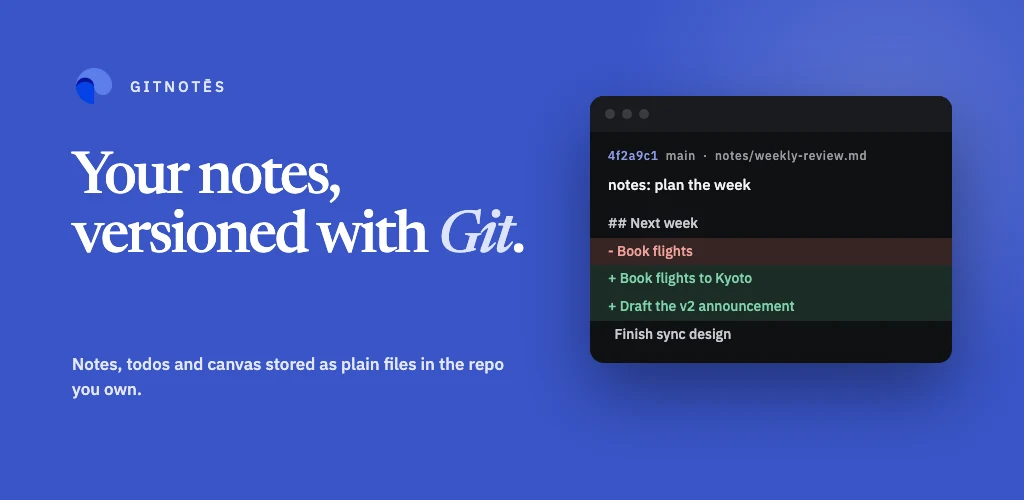
GitNotēs App Feature Graphic: notes, todos and canvas powered by your Git repositories

iPhone screenshots

Eight screens from the iPhone app.

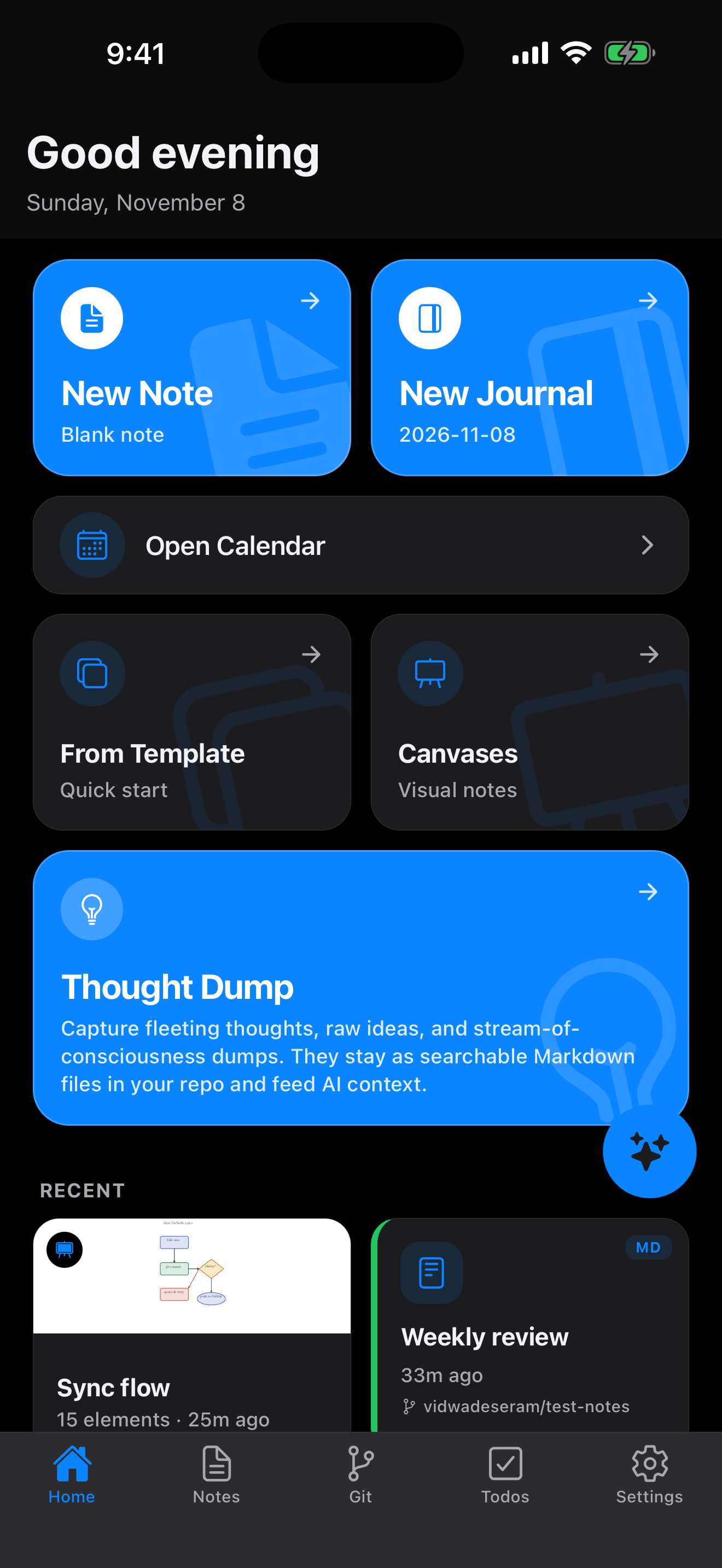
  • GitNotēs home screen on iPhone with quick actions for a new note, journal, templates and canvases, and a list of recent notes
    Home
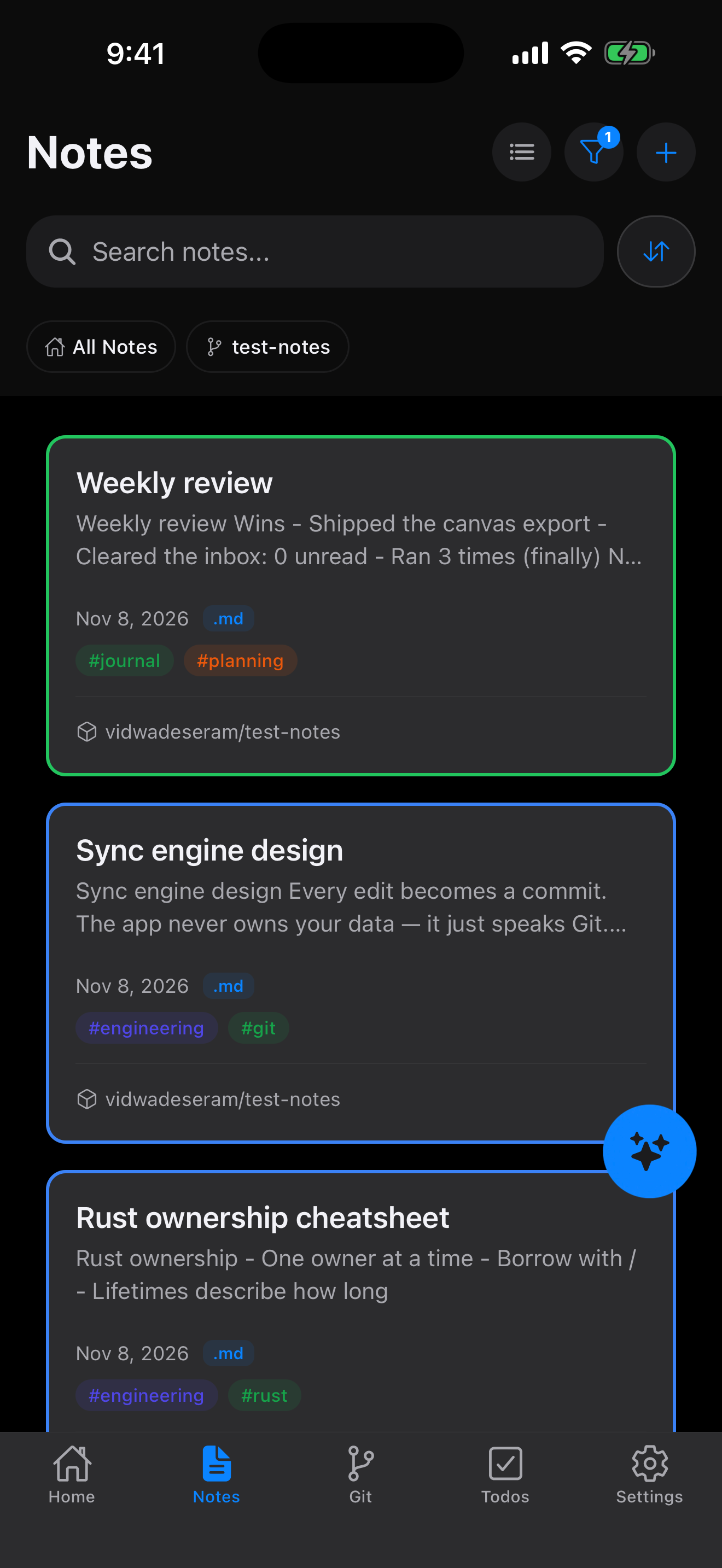
  • GitNotēs notes list on iPhone with colored cards, tags and a search bar
    Notes
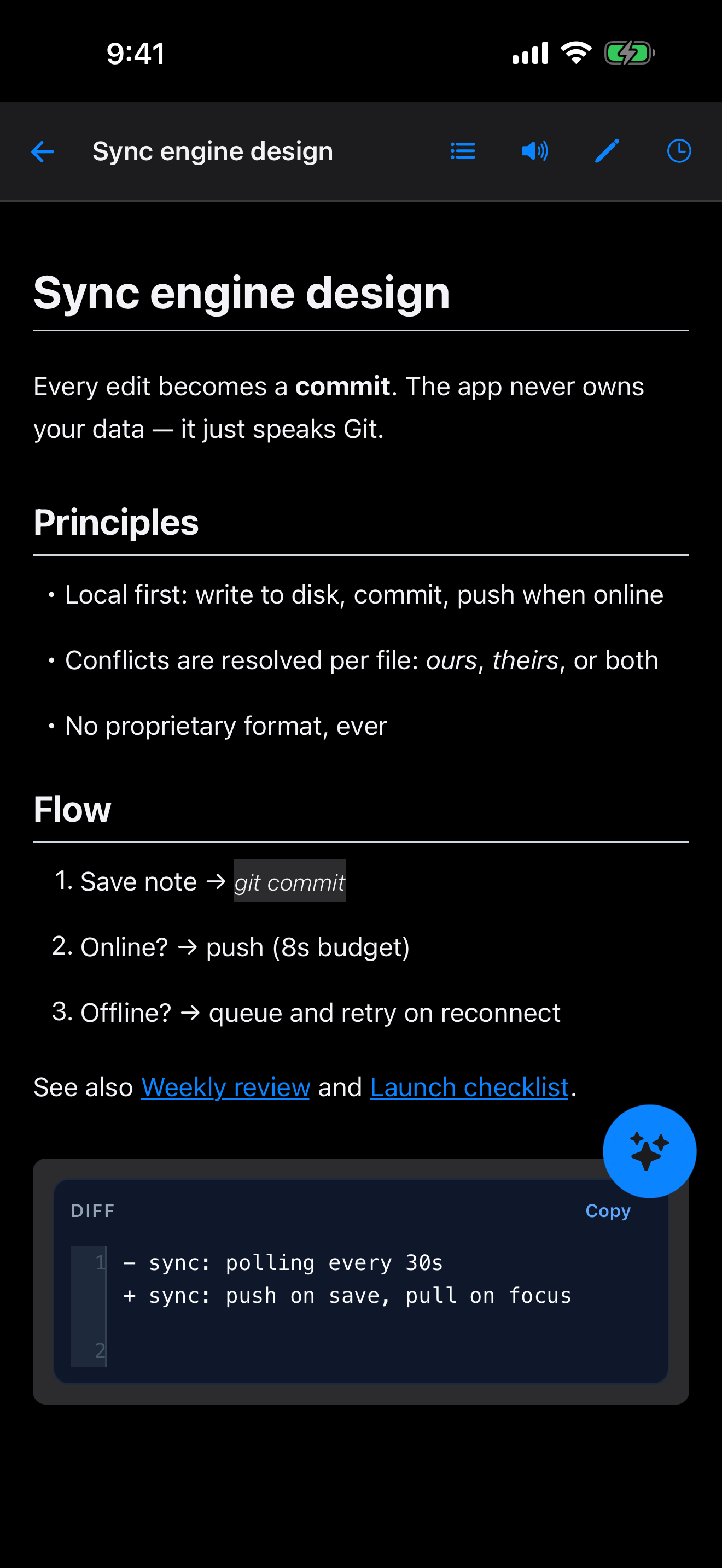
  • GitNotēs Markdown editor on iPhone rendering a note with headings, lists, links and a diff block
    Editor
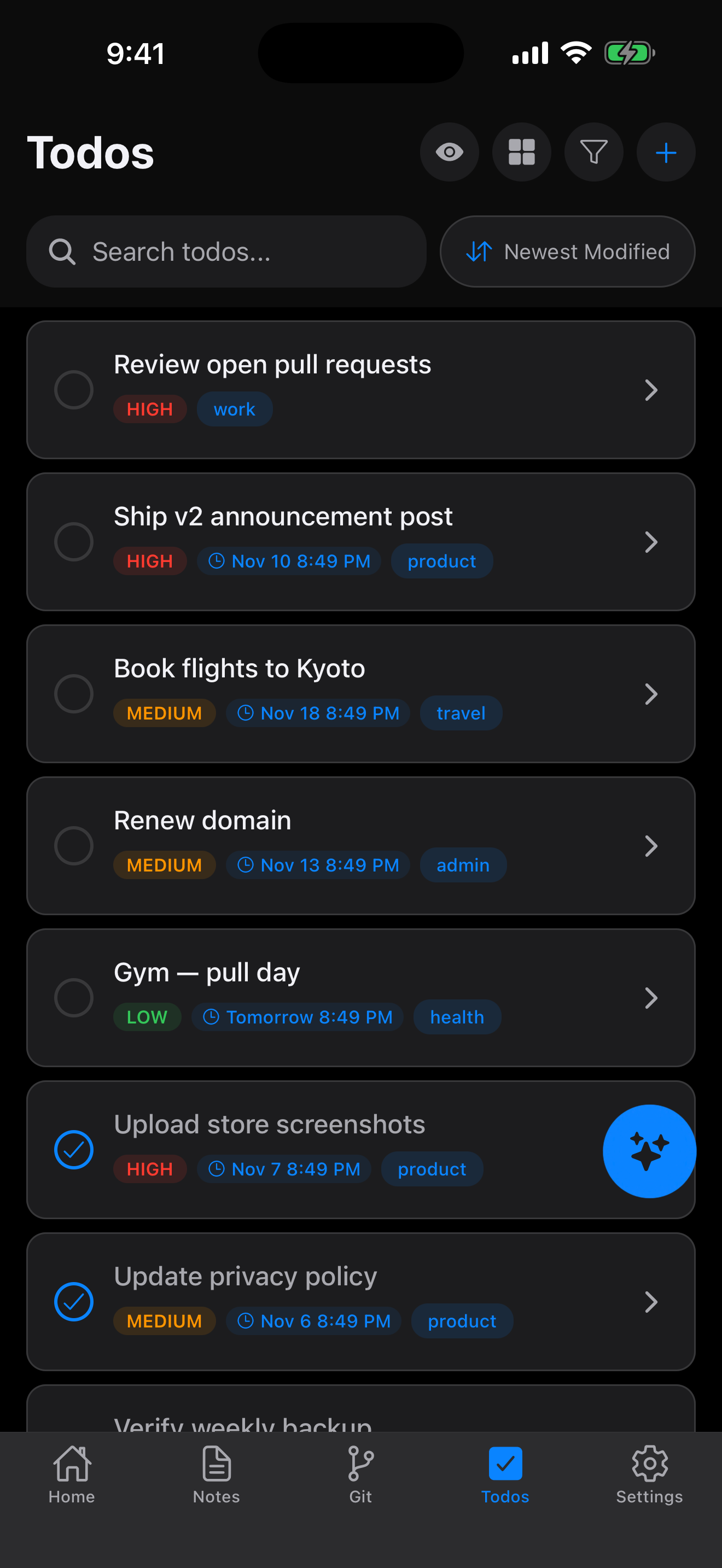
  • GitNotēs todos on iPhone with priority labels, due dates and completed items
    Todos
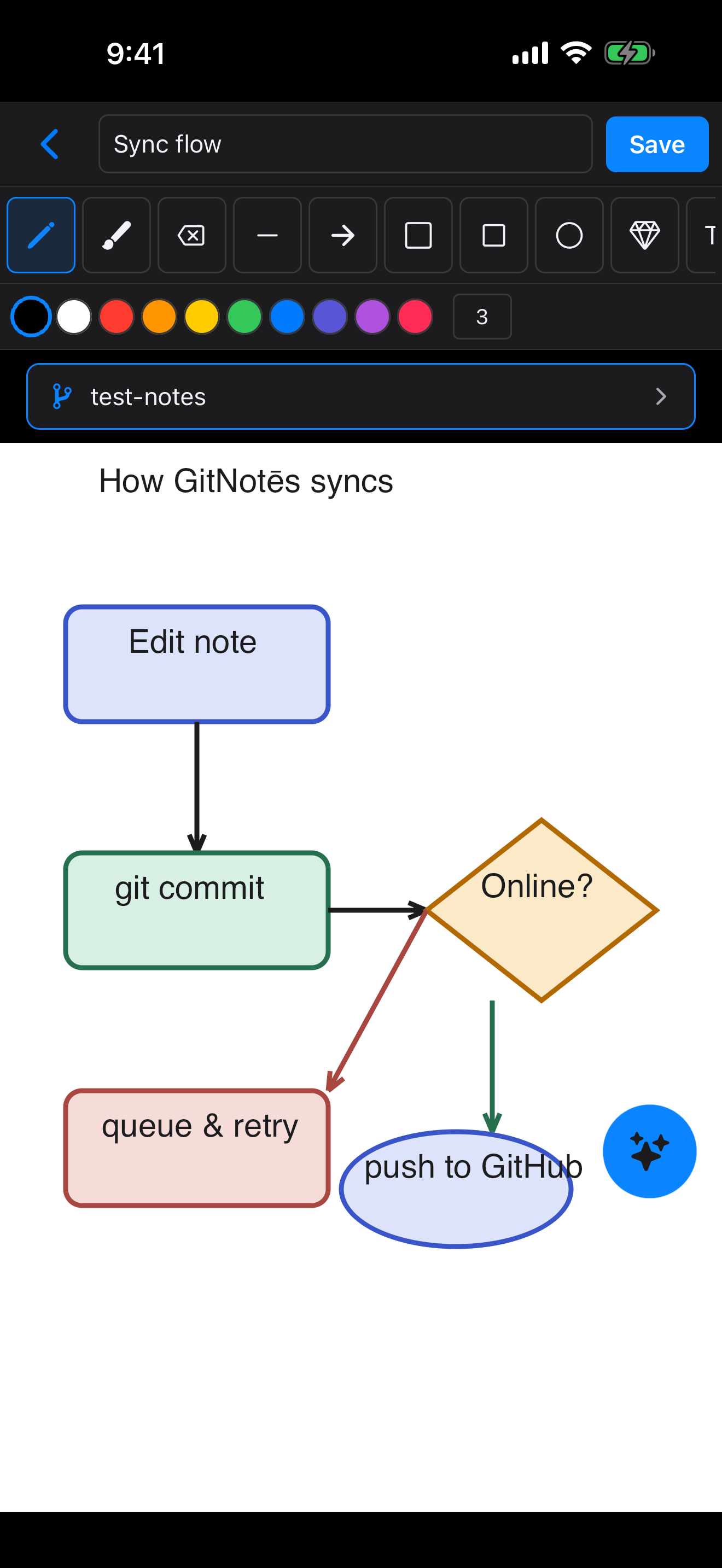
  • GitNotēs infinite canvas on iPhone with a drawing toolbar and a sync flowchart
    Canvas
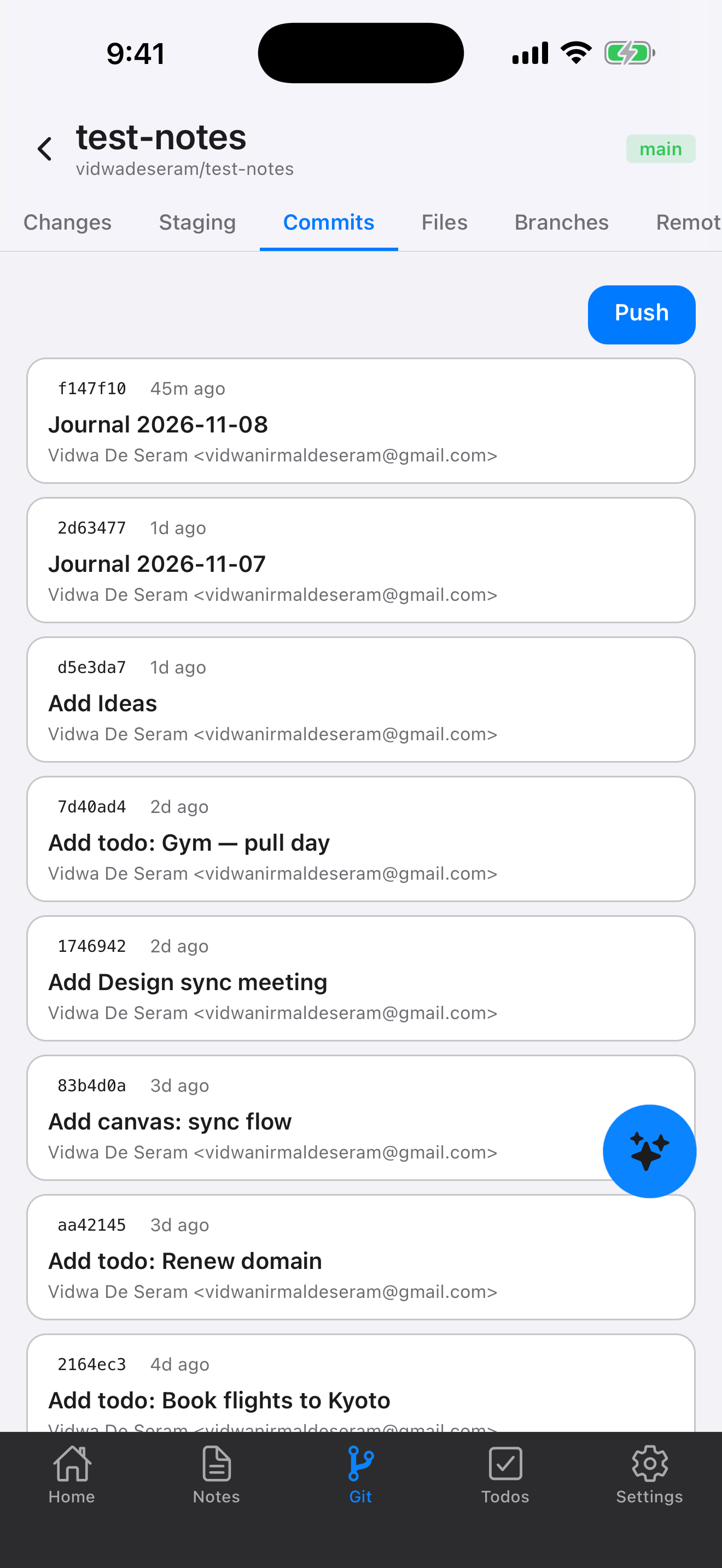
  • GitNotēs Git sync screen on iPhone showing the commit history with a Push button
    Git
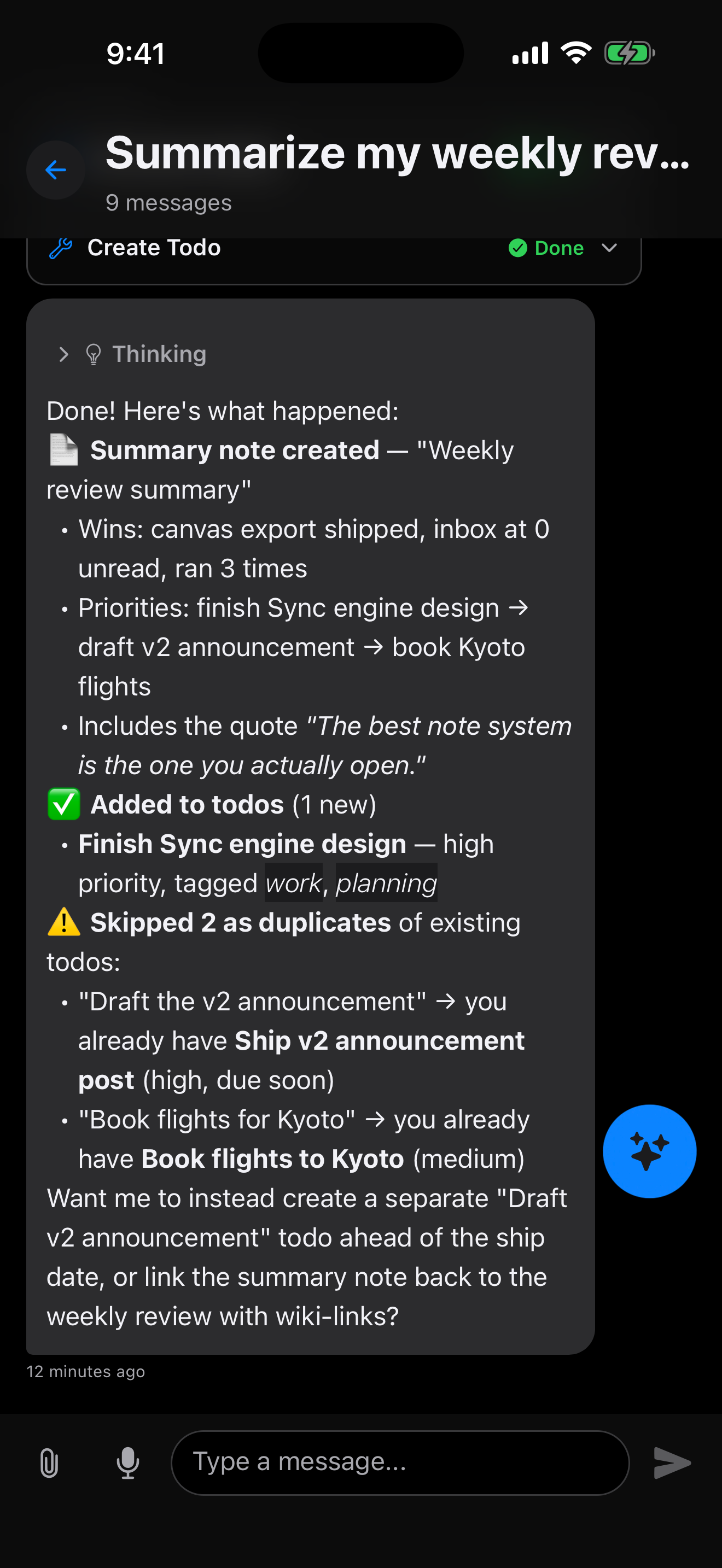
  • GitNotēs AI assistant chat on iPhone summarising a weekly review and creating todos
    AI
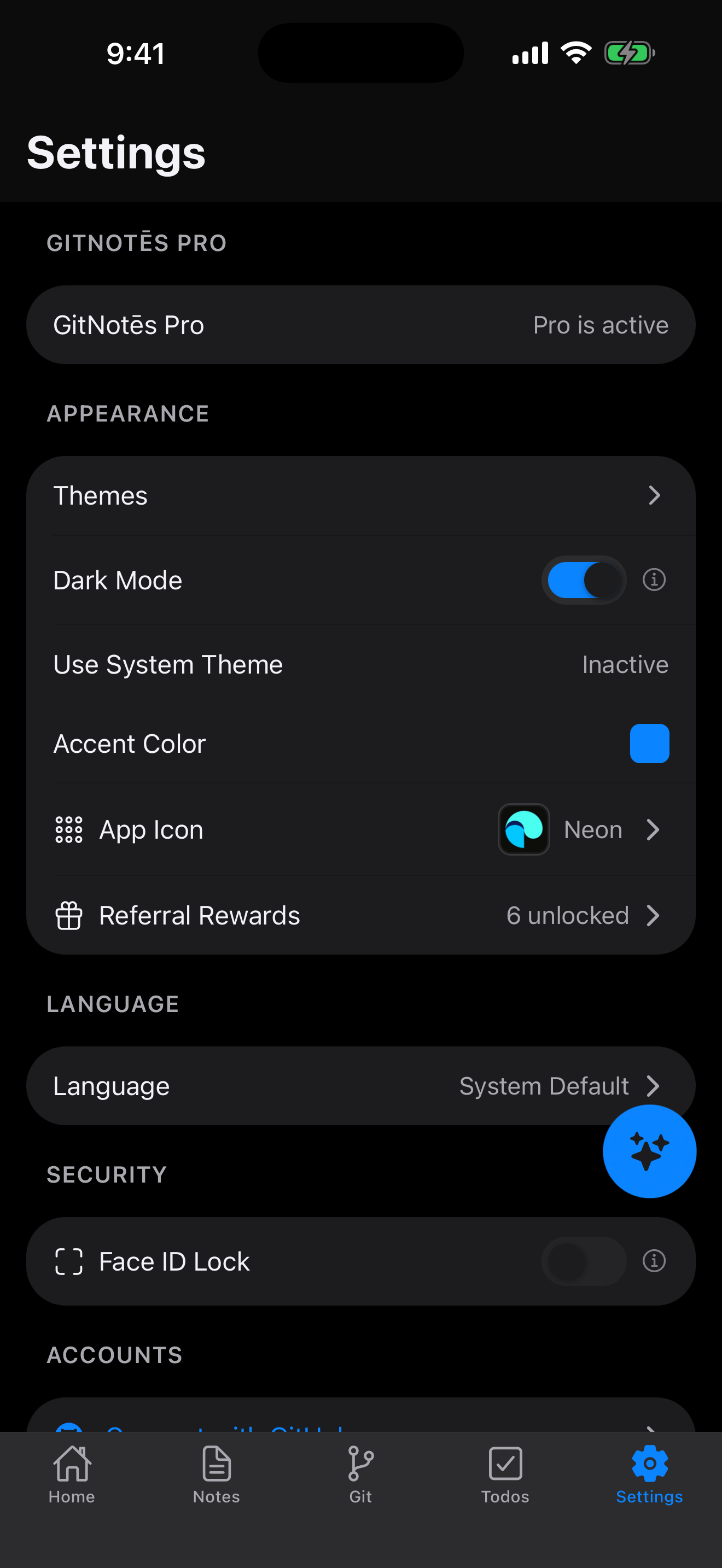
  • GitNotēs settings on iPhone with themes, accent color and app icon
    Settings

iPad screenshots

The same repo on a bigger canvas.

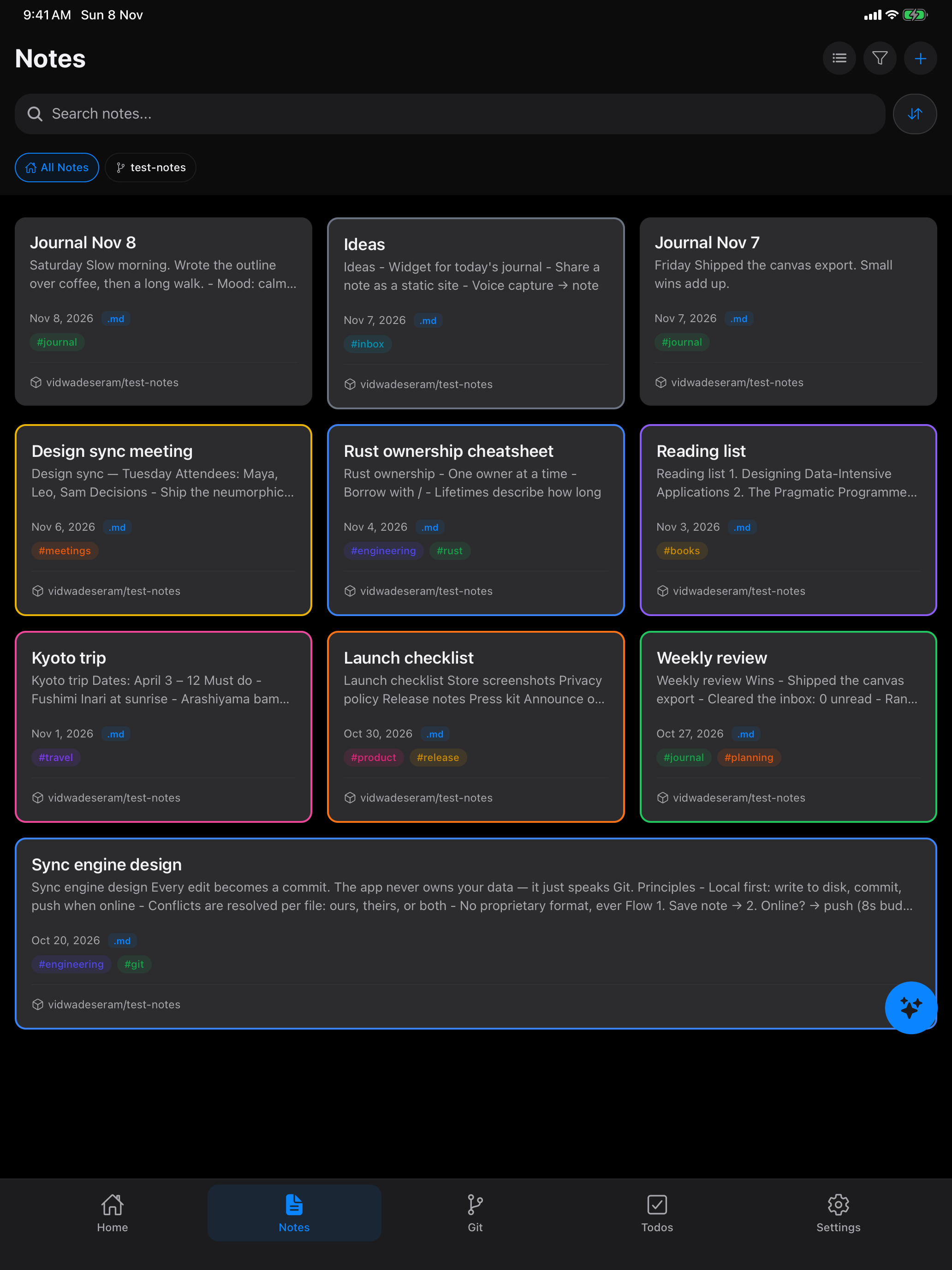
  • GitNotēs notes list on iPad as a grid of colored note cards with tags and repository names
    Notes on iPad
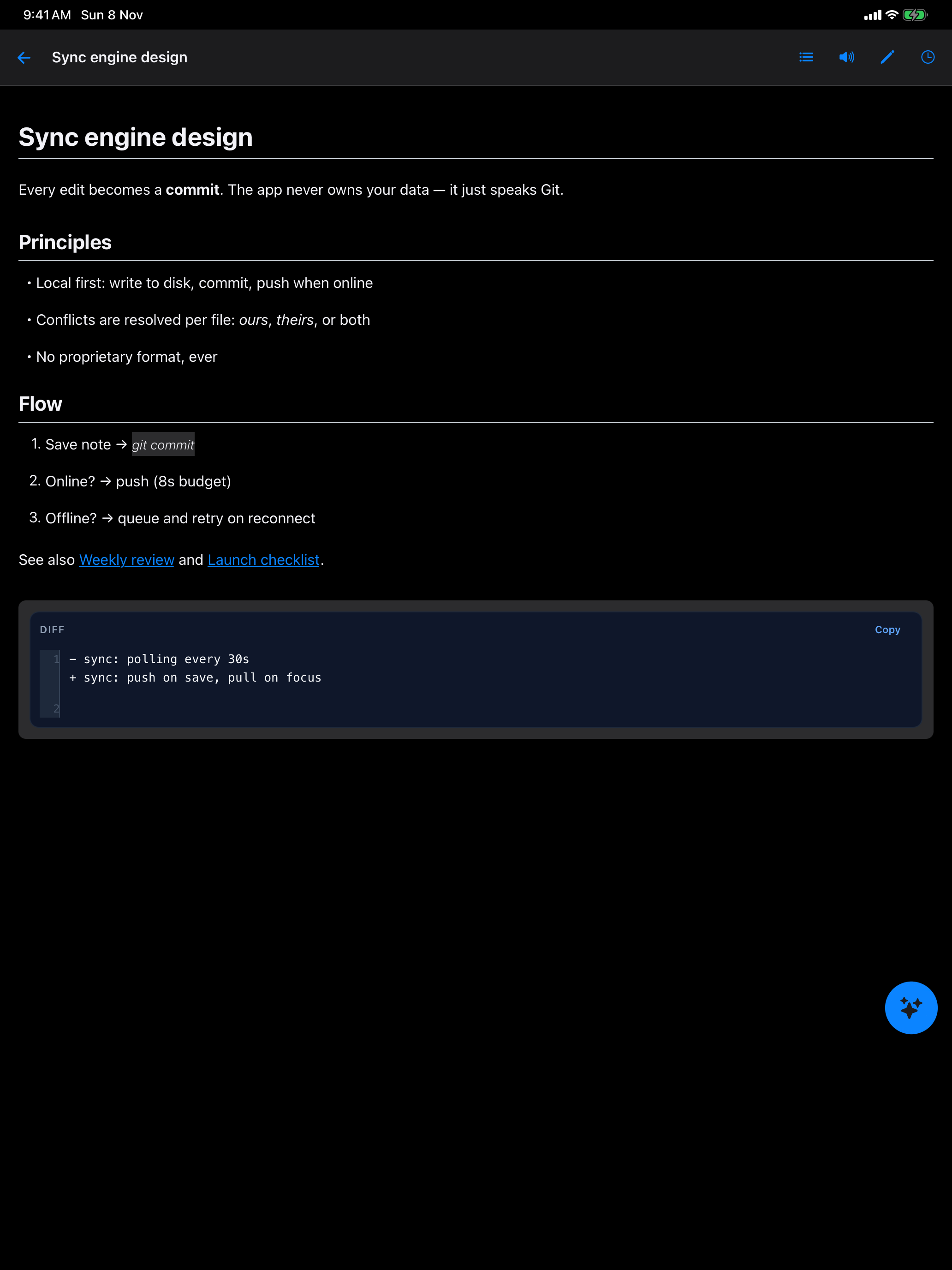
  • GitNotēs Markdown editor on iPad showing a note with headings, lists, links and a diff code block
    Editor on iPad
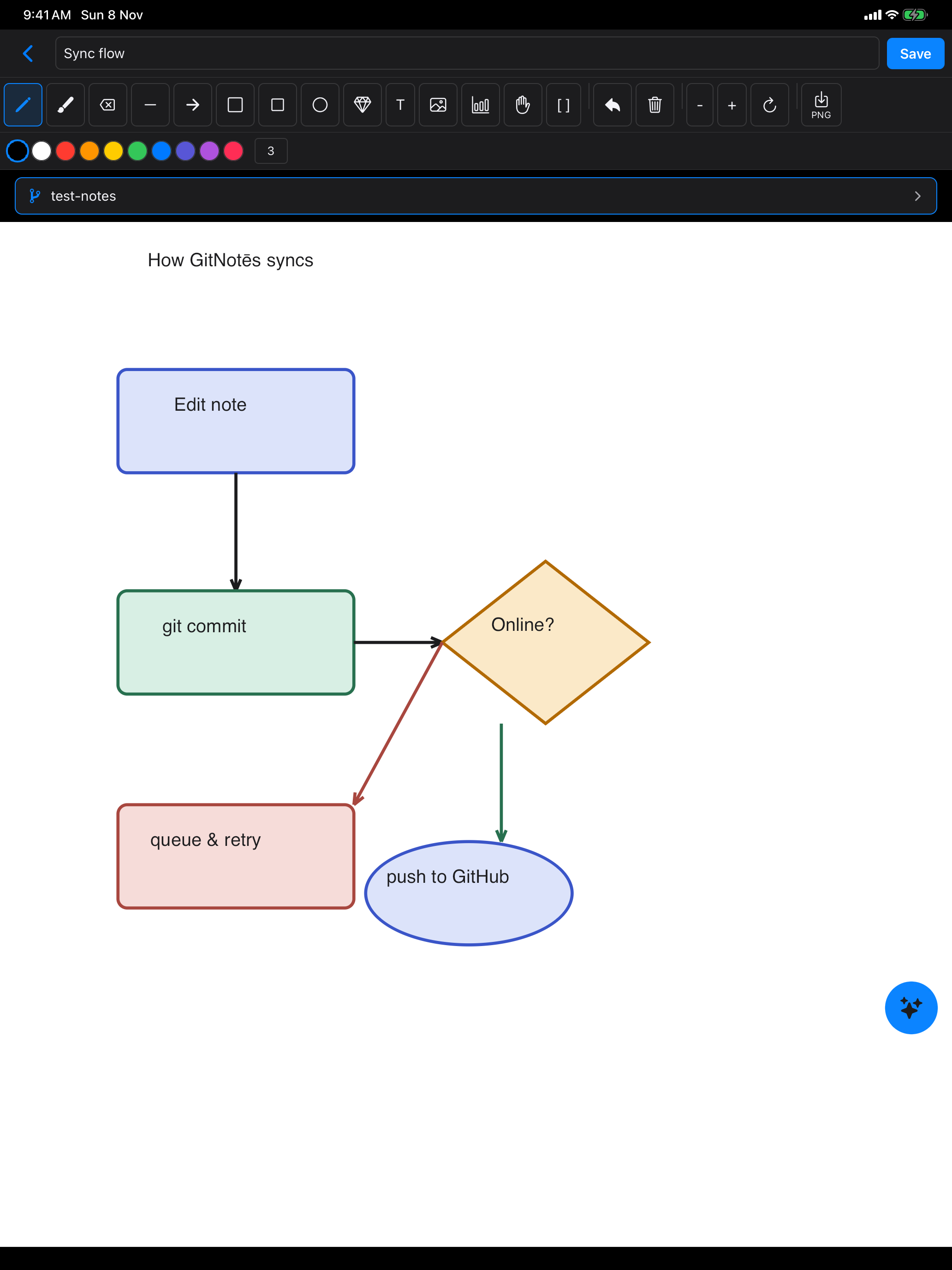
  • GitNotēs canvas on iPad with a flowchart diagram of how notes sync
    Canvas on iPad
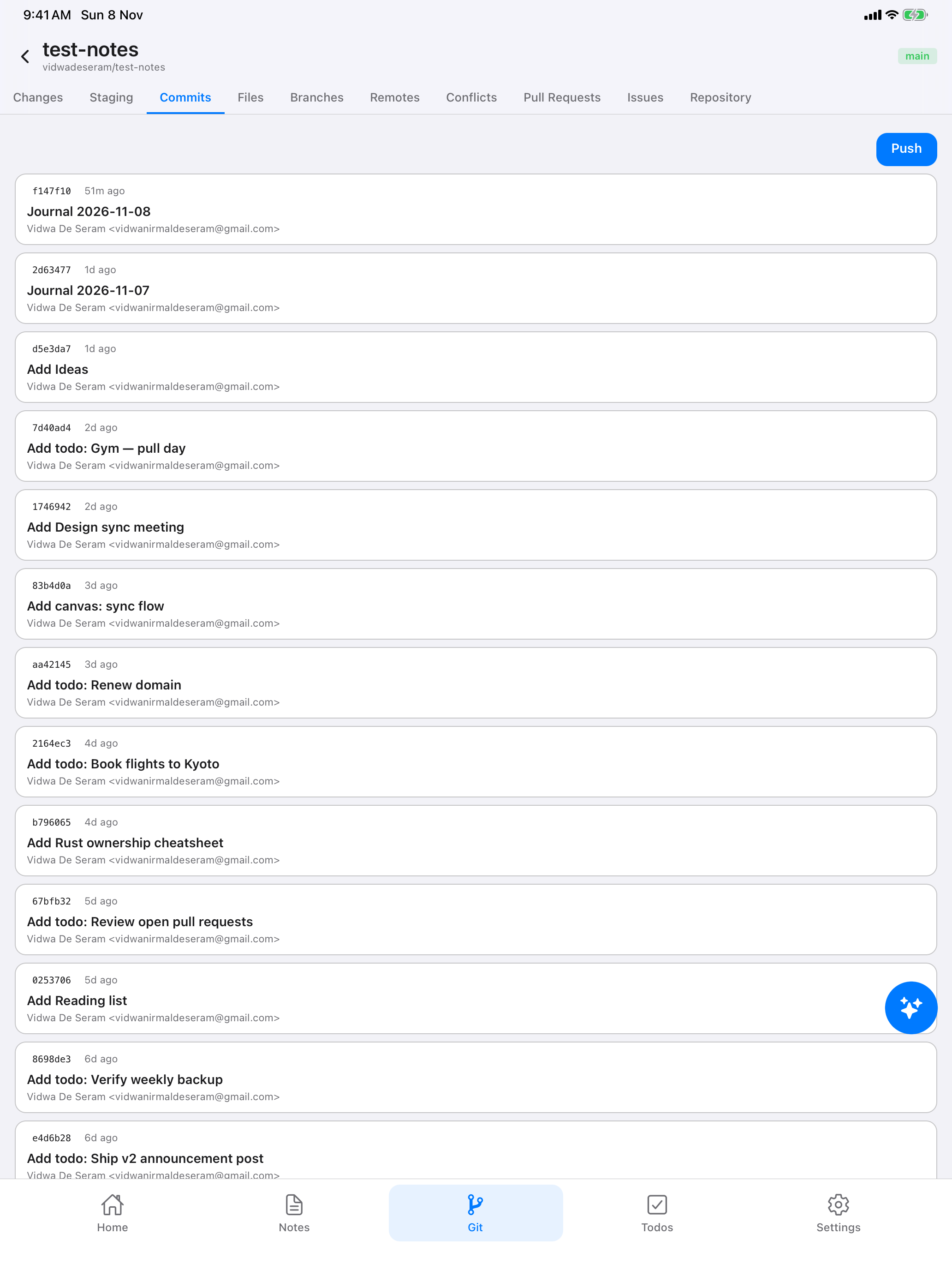
  • GitNotēs Git screen on iPad showing the commit history of a notes repository
    Git on iPad
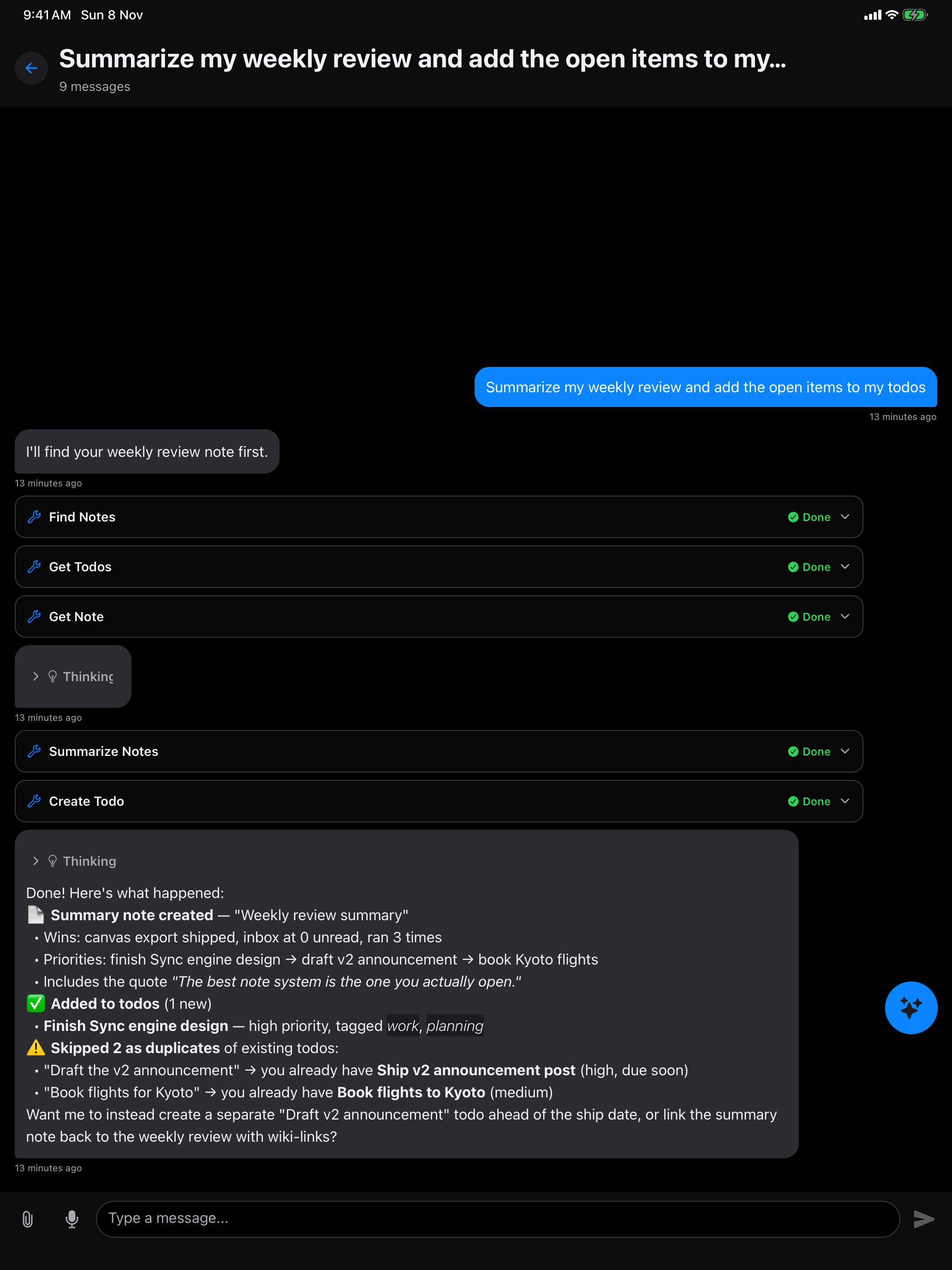
  • GitNotēs AI chat on iPad summarising a weekly review and adding the open items to todos
    AI on iPad
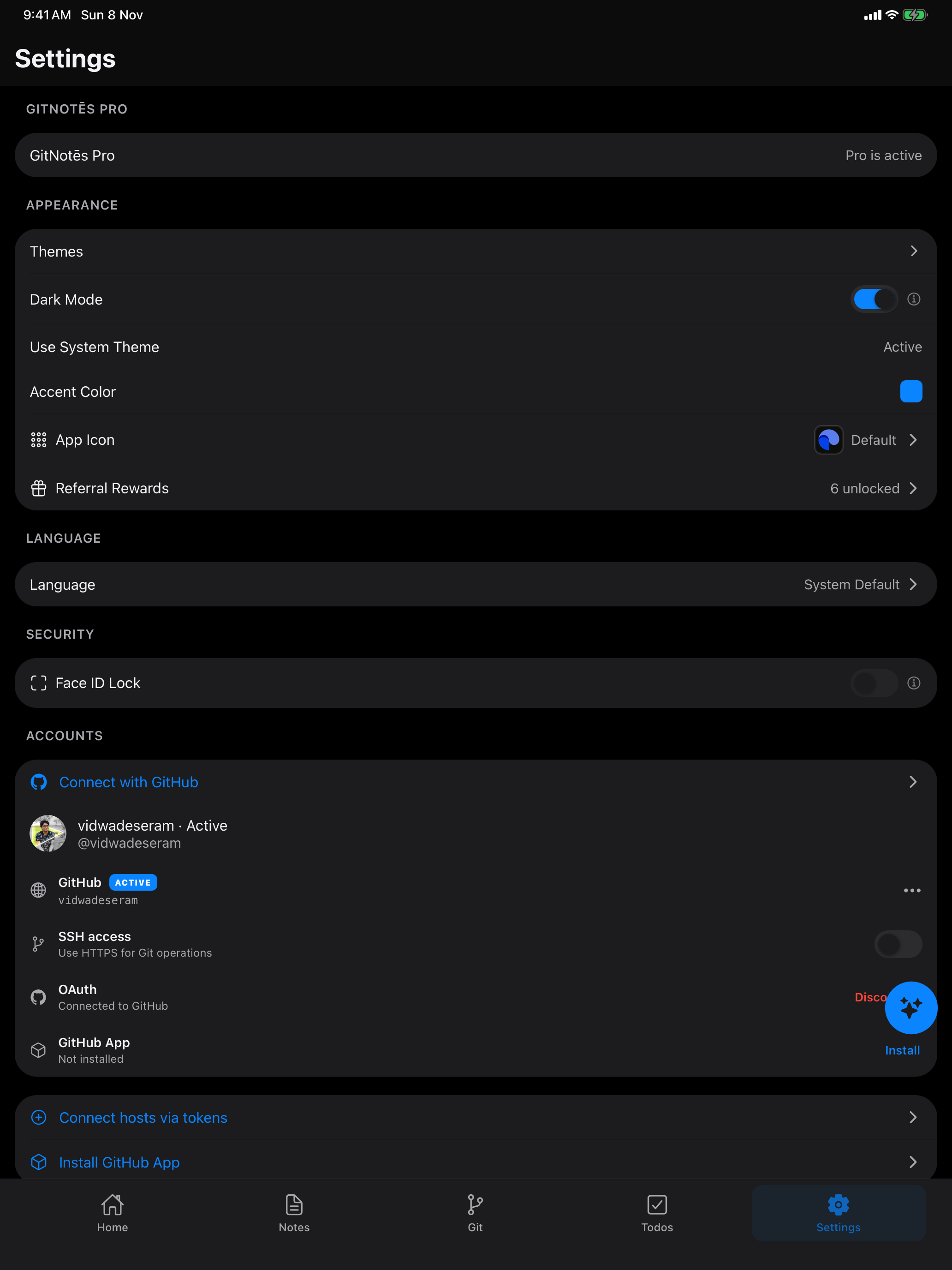
  • GitNotēs settings on iPad with themes, accent color, app icon and connected Git accounts
    Settings on iPad